THE STORY BEHIND THE VIDEO
From product features to real possibilities.
DJI · GoPro · Luma AI · Squarespace
An accessible drone becomes a practical business tool. Field capture, 3D visualization, and client delivery turn a product demonstration into a workflow buyers can picture using.
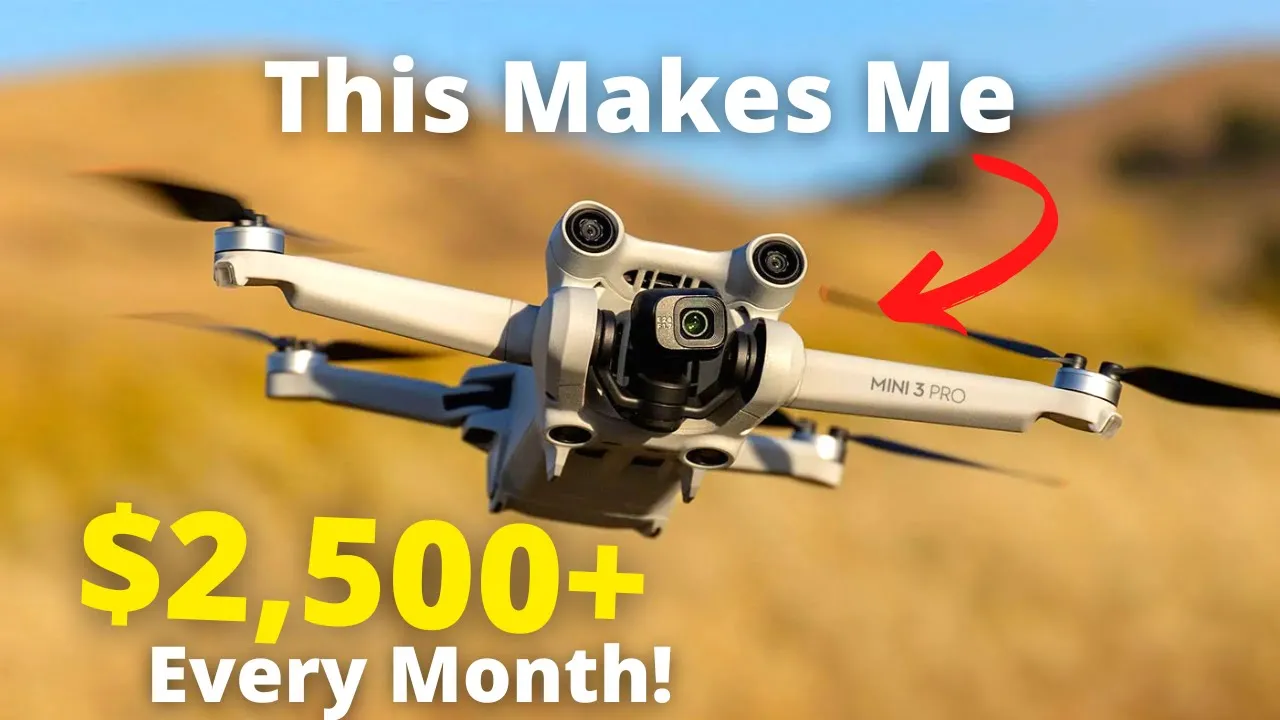
How My DJI Mini 3 Makes Me $2500+ A Month
1.27M
YouTube views
Views checked 14 September 2026. Featured companies and tools describe the published video.
01 / THE BUYER’S QUESTION
Can an affordable drone become a service clients need every month?
The Mini 3 story begins with a business outcome: Dylan explains how he uses an accessible drone to provide recurring construction-progress updates. The underlying customer problem is distance. Owners want to understand what is happening on a property without traveling to the site for every update. That gives the drone, the software, and the finished deliverable a clear job to do.
02 / INSIDE THE STORY
From curiosity to understanding.
00:23–04:18 / Make the opportunity tangible.
Dylan introduces two properties behind him and explains the recurring service before taking off. Viewers follow the capture of still photographs and an automated orbit. The same orbit becomes both a video deliverable and the input for a 3D representation, showing how one flight can support several useful outputs.
04:18–08:29 / Show the experience the client receives.
A ground-level walkthrough with a 360 camera adds another perspective. Then Dylan switches to the client’s view: a project website with weekly updates, photos, an orbit video, a navigable 3D scene, and an interior walkthrough. The story connects each tool to the practical benefit of inspecting progress remotely.
08:29–13:27 / Reveal the work behind the result.
The demonstration continues through photo adjustments, a CapCut video edit, the GoPro export, and uploading the orbit to Luma AI. Dylan explains how the processed scene is embedded in Squarespace. He also acknowledges that winning the client is a substantial part of the work, giving context to the production workflow and the revenue hook.
03 / WHAT THE VIEWER TAKES AWAY
A complete service is more valuable than an isolated feature.
Viewers leave with a practical picture of how capture, editing, visualization, and delivery fit together. They see what the customer actually buys: a useful way to revisit a changing property. They also learn where optional walkthroughs can add value. The video’s income figure describes Dylan’s own service experience; it is not a claim about sales generated for the featured brands.
04 / THE PATH TO ACTION
Let viewers explore the result, then take their next step.
After the field demonstration and before the desktop walkthrough, Dylan points viewers to links for the recommended drones, 360 cameras, and his mapping course. The description also links to the example project website and the software used. These are different paths for different levels of interest: inspect the deliverable, explore a tool, or learn the workflow in more depth. The invitation follows a concrete demonstration of why those next steps matter.
This describes the CTA used in the published video. Click-through, lead, and sales results are not reported for this individual story.
WHY THIS MATTERS FOR YOUR BRAND
For a hardware or software brand, this is a way to put the product inside a buyer’s working day. A recognizable customer problem leads into a real demonstration and a finished deliverable. The resulting video gives someone researching the tools a useful reference they can return to as they move from interest to implementation.
What could your product help someone do?
Let’s build a story around that answer. We’ll shape the narrative, produce it in the field, and publish it to an audience that wants to understand your technology.
A free introductory call. A tailored collaboration outline.