THE STORY BEHIND THE VIDEO
Turn curiosity into capability.
DJI · WaypointMap · RealityCapture
From mission planning to the finished model, a step-by-step field demonstration makes a technical workflow approachable and gives viewers a reason to keep watching.
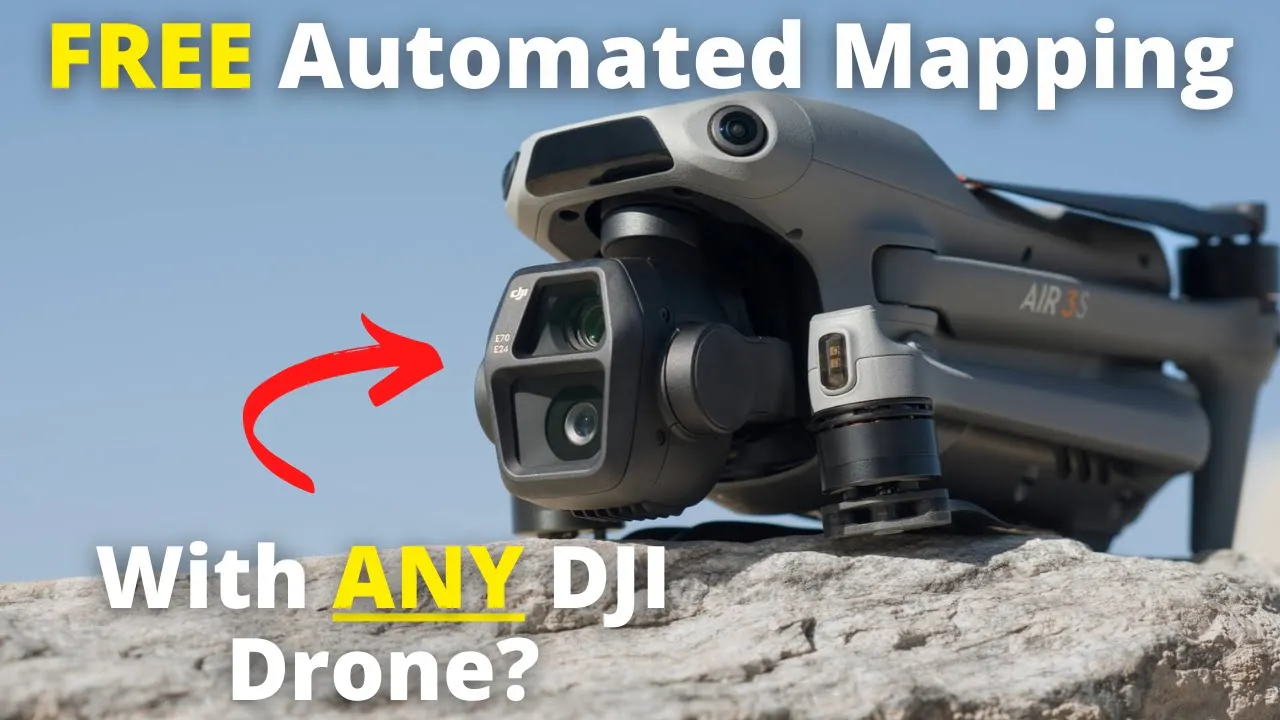
Turn Your DJI Drone Into A Mapping Machine For FREE!
667K
YouTube views
Views checked 14 September 2026. Featured companies and tools describe the published video.
01 / THE BUYER’S QUESTION
Can the drone I already own do more than I thought?
The story addresses a specific obstacle faced by owners of newer consumer DJI drones: familiar third-party mapping apps did not support those models in the way viewers expected. Dylan introduces an alternative workflow using WaypointMap, DJI Fly, and RealityCapture. The promise is practical and easy to understand: follow a route from an existing drone to a finished map using the tools demonstrated in the video.
02 / INSIDE THE STORY
From curiosity to understanding.
01:17–05:00 / Explain the obstacle and establish the starting point.
Dylan explains what an SDK does and why app compatibility matters. He credits Jay’s Tech Vault for the mapping tool, identifies the supported drones and controller setups, and demonstrates the short preparation flight used in the workflow. The viewer learns why the process exists before being asked to follow its steps.
05:00–13:58 / Make the unfamiliar process visible.
The walkthrough moves from drawing a mission in WaypointMap to transferring it into DJI Fly, then returns to the field. Dylan shows the camera setup, timed photo capture, flight speed, and mission execution. He distinguishes the free workflow from optional paid features mentioned in the tool. The screen and field sequences address the practical questions that can stop an interested viewer from getting started.
13:58–17:06 / Deliver on the opening promise.
Back at the computer, Dylan organizes the captured images, imports the dataset into RealityCapture, and walks through processing. He then changes the display to inspect the resulting model. The viewer gets to see the output of the same capture introduced earlier, giving the tutorial a clear beginning, middle, and payoff.
03 / WHAT THE VIEWER TAKES AWAY
A technical barrier becomes a workflow the viewer can understand.
The viewer gains a model of the complete process: compatibility, mission planning, transfer, capture, and processing. The description also provides tools and sample data to support further exploration. By showing both the setup and the result, the story gives viewers a concrete basis for deciding whether this approach fits the work they want to do.
04 / THE PATH TO ACTION
Teach a useful first workflow, then offer deeper mastery.
At 17:06, after showing the finished result, Dylan introduces the mapping course. He describes the training material, sample data, capstone projects, live coaching, and lifetime-access model offered at the time, then points to the description link. The free demonstration supplies an immediate takeaway; the paid learning route offers a next step for viewers who want to build professional capability. Tool links and sample data give viewers another way to act on what they have learned.
This describes the CTA used in the published video. Click-through, lead, and sales results are not reported for this individual story.
WHY THIS MATTERS FOR YOUR BRAND
A useful tutorial can answer a high-intent question and introduce several products through their role in solving it. Showing the setup, the difficult middle steps, and the result helps a buyer judge whether the workflow fits their needs. For a collaboration, that is an opportunity to make product education serve both discovery and evaluation.
What could your product help someone do?
Let’s build a story around that answer. We’ll shape the narrative, produce it in the field, and publish it to an audience that wants to understand your technology.
A free introductory call. A tailored collaboration outline.